BLE-enabled blood pressure monitors, pulse oximeters, and other medical devices can capture useful measurements outside a traditional examination room. But a reading displayed on a phone is not automatically available to a healthcare team. The application must identify the device, receive the measurement, handle interruptions, and deliver information that clinicians can review with confidence.
For HealthTech companies planning BLE medical device integration in Boston, that complete workflow matters more than pairing a sensor with a smartphone. Bluetooth Low Energy in healthcare provides the short-range connection, while applications and clinical systems manage the information beyond it.
This guide follows a connected blood pressure reading from the device to a clinical dashboard. It explains the software components, data checks, dashboard requirements, and implementation decisions involved in making the connection useful.
How BLE Medical Device Data Reaches a Clinical System
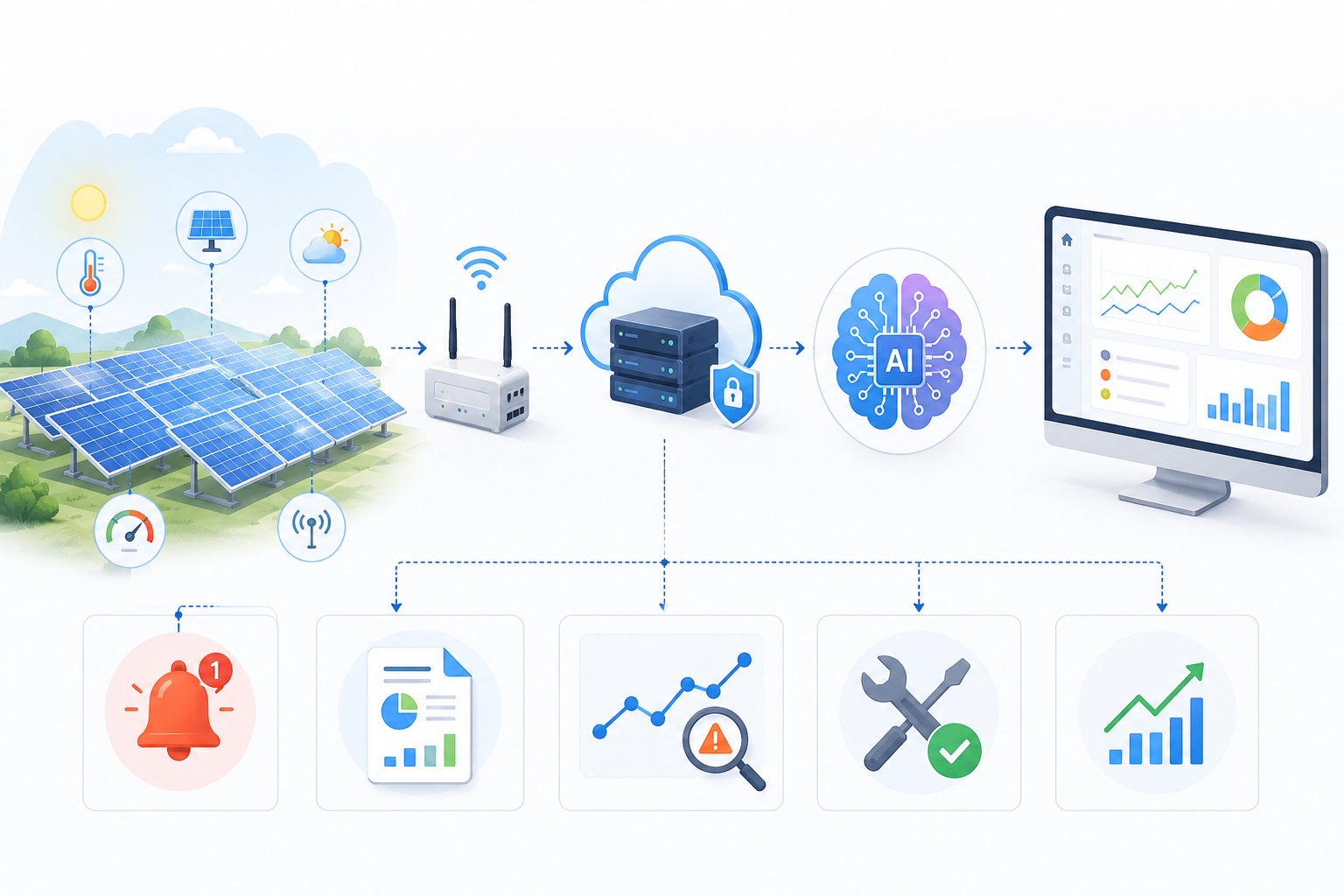
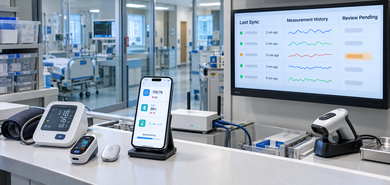
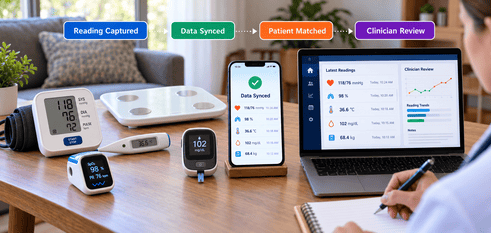
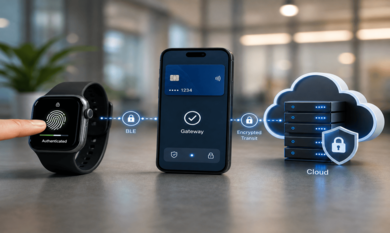
A typical integration has several parts: the medical device, a nearby mobile application or gateway, a secure receiving service, and the clinical software. BLE alone does not send measurements directly into an electronic health record (EHR).
Capturing Measurements Through BLE
A blood pressure monitor records systolic and diastolic measurements. The device may expose readings through Bluetooth Generic Attribute Profile (GATT) characteristics, which an app can read or subscribe to for updates.
Successful medical device connectivity requires knowing each device's services, data format, and security requirements, which may be standardized or proprietary.
Receiving Data Through a Mobile App or Gateway
A smartphone app or gateway discovers the device, makes an authorized connection, and receives readings. Pairing depends on the device.
In BLE application development, engineers must address permissions, reconnection, and background execution, which differ across Android, iOS, and gateways.
Receiving a blood pressure reading does not mean the clinical record has been updated.
Validating and Synchronizing Sensor Readings
The next step is sensor data integration. The receiving application checks whether the payload has the expected fields, whether units are interpretable, and whether the measurement can be associated with the intended device. It should preserve the original measurement time when the device provides one, rather than treating upload time as measurement time.
For a wider healthcare IoT integration, the receiving service may also record upload status, protect data in transit, and reject malformed messages. If connectivity fails, the system needs a defined method for retrying or reporting the missing reading. Passing a format check does not establish clinical accuracy.
Connecting Readings to Clinical Software
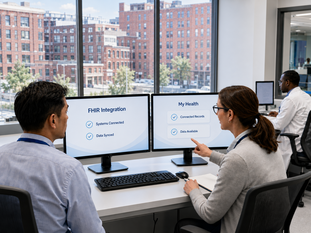
Once the record is prepared, secure APIs can move it to a compatible clinical platform. HL7 FHIR integration may be appropriate when the receiving EHR or data service supports it. The official HL7 FHIR R4 Observation resource describes how measurements, including blood pressure, can be represented using structured clinical information.
Integration still requires mapping the measurement to the correct patient and supported data fields. Blood pressure, for instance, can be represented with systolic and diastolic components. FHIR does not replace BLE communication or guarantee that every EHR accepts the same interface.
Making Sensor Data Reliable Before Clinical Use
A successful transfer does not establish that a reading belongs to the correct patient, is current, or is suitable for clinical decisions. Applications need explicit checks.
Matching Measurements to the Correct Device and Patient
A device identifier distinguishes one cuff from another, while an authorized process links it to the correct patient, including when equipment is reassigned.
Record which device supplied the reading. Bluetooth pairing does not verify patient identity; uncertain associations require review rather than automatic assignment.
Checking Timestamps, Units and Missing Readings
Reliable medical device data synchronization requires careful handling of delays and duplicates. Reconnection or upload retries can produce duplicates or delay measurements, making old readings appear current.
Systems should distinguish the measurement timestamp from the time the server received it, confirm the expected units, and flag incomplete or questionable records. Duplicate detection should use reliable identifiers where available. If a device does not supply them, the team must define a cautious matching approach.
Protecting Data Across the Connection
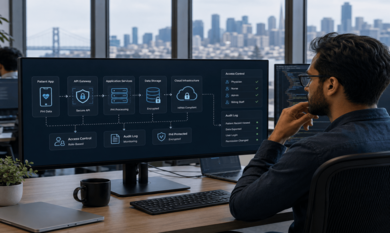
Security extends beyond Bluetooth. A solution may need suitable device authentication, secure BLE configuration, encrypted network transport, access controls, and audit records for clinical-system activity.
Teams should also assess applicable HIPAA responsibilities and medical device regulations against the product's intended use and data flows. Using BLE does not itself make a system compliant or determine whether it is regulated as a medical device.
What a Connected Clinical Dashboard Should Display
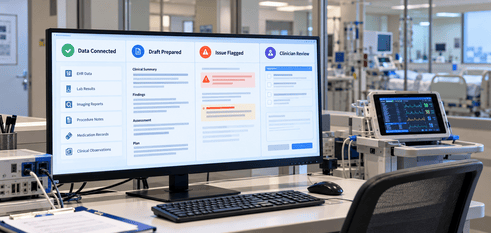
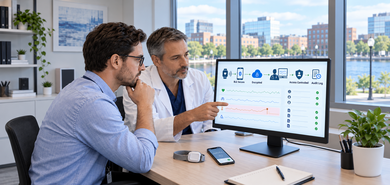
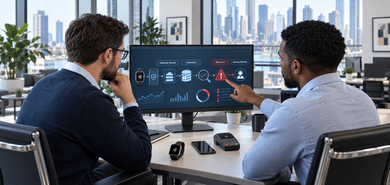
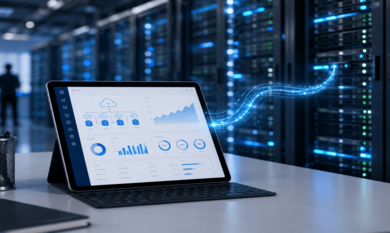
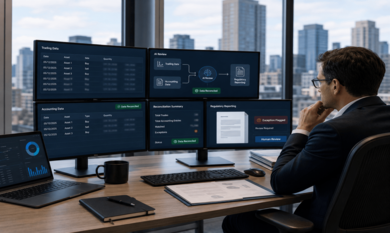
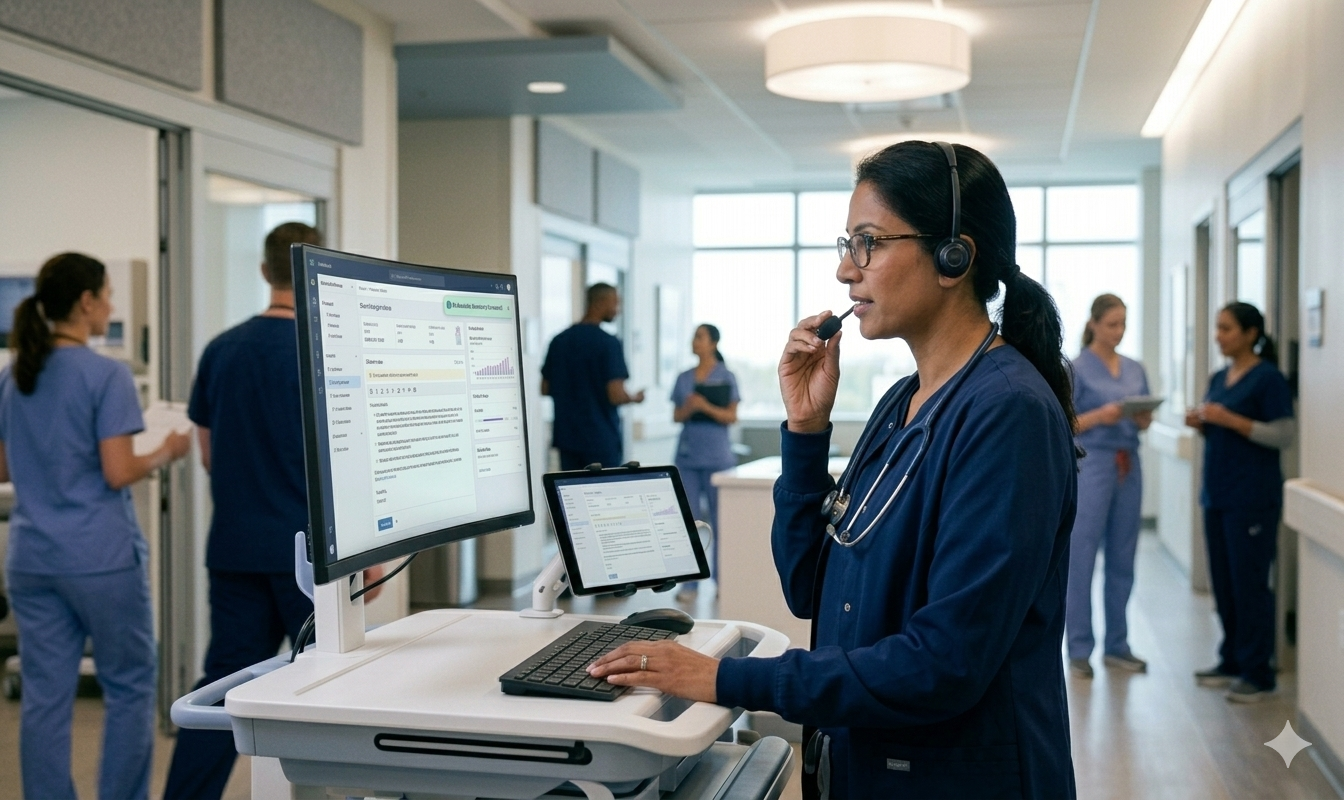
A useful dashboard shows measured values, timing, and review needs. For clinical dashboard development, data freshness and review status are as important as attractive charts.
Showing Readings, Connection Status and Data Quality
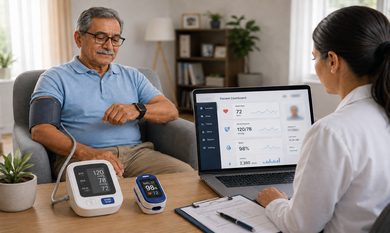
A blood pressure reading should appear with its measurement time and units. Historical records can help clinicians review changes, while synchronization indicators can show whether recent device data has reached the system.
The following requirements are useful when scoping remote patient monitoring software:
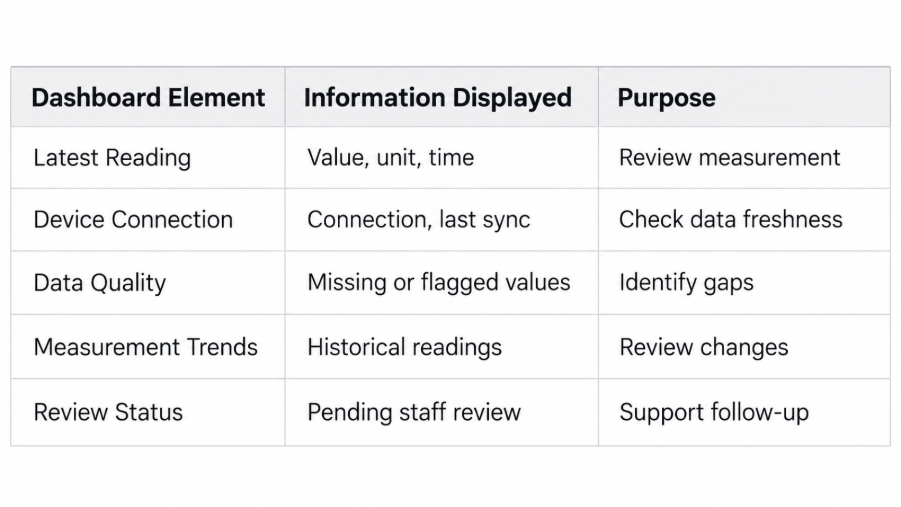
A connection indicator should not imply that a device is transmitting continuously unless the system can verify that condition. An old reading must remain visibly old, even if its last successful upload was recent.
Supporting Clinical Review Without Automatic Decisions
Notifications can identify missing data or measurements that meet thresholds defined through an approved clinical workflow. They should direct information to the appropriate team without independently diagnosing a condition or authorizing treatment.
This is where healthcare software development extends beyond displaying sensor values. Role-based views, documented review actions, and appropriate escalation paths help the dashboard support how care teams actually work.
Integration Problems That Need a Recovery Plan
Connectivity interruptions require visible error statuses and predictable recovery.
Connection Loss and Offline Data Handling
A person may take a measurement while their phone is out of range, Bluetooth is disabled, or internet access is unavailable. Mobile operating systems can also limit background activity. As a result, a previously connected device may stop sending data until the application resumes or reconnects.
Depending on device and application capabilities, recovery may involve reconnecting, retrieving stored measurements, or buffering data locally before uploading it. Some devices do not retain readings for later retrieval, so the software must not promise recovery it cannot perform.
The dashboard should make delayed measurements and unsuccessful synchronizations visible. Testing must cover repeated connections, app restarts, interruptions, and conflicting upload attempts.
Device Compatibility and Receiving-System Differences
Two BLE medical devices may expose different characteristics, require different permissions, or package similar measurements differently. Firmware updates can also affect communication behavior. On the receiving side, EHR interfaces, supported FHIR versions, and clinical data requirements vary.
A development team should test actual device models and target systems rather than relying only on simulator results or assuming that Bluetooth support guarantees interoperability.
Planning BLE Medical Device Integration in Boston
Boston HealthTech teams should define how measurements reach clinicians before selecting implementation tools.
Defining the Device-to-Clinician Workflow
Start by identifying supported device models, who uses them, where readings are captured, and which systems must receive them. Decide how devices are assigned to patients, what counts as a successful transfer, and what staff should see when data is delayed.
Teams evaluating IoT and BLE development services in Boston should also establish who maintains firmware documentation, manages integration credentials, and supports device changes after launch. Those ownership decisions affect ongoing reliability.
Testing the Integration Before Deployment
A realistic pilot should use representative physical devices and the actual or approved test environment of the receiving system. Tests should cover measurement decoding, patient-device association, timestamps, units, failed transmissions, reconnection behavior, and access permissions.
Clinical stakeholders should review whether the dashboard presents the right information and makes uncertain records recognizable. Security and regulatory assessments should reflect the intended use of the product. A functioning BLE demonstration is a useful starting point, but it is not enough to establish readiness for clinical operation.
Frequently Asked Questions
How does BLE medical device integration work?
A device sends measurements to an app or gateway, which processes and transfers them to compatible clinical software.
What happens when a BLE medical device loses its connection?
The application may reconnect and retrieve supported stored readings. Missing or delayed data should remain visible.
Can BLE medical device data be integrated with an EHR using HL7 FHIR?
Yes, with a compatible EHR interface and correct measurement mapping. FHIR does not handle the Bluetooth connection.
How can healthcare applications secure BLE sensor data?
Use appropriate BLE authentication, encrypted transport, access controls, and audit logs across the full system.
Conclusion
Connecting a BLE sensor to a clinical dashboard requires reliable communication, careful data handling, and interfaces designed for human review. Theta Technolabs develops connected healthcare workflows using technologies such as Android BLE SDK, iOS CoreBluetooth, and HTTPS APIs, selected according to the device and integration requirements. Discuss your project at sales@thetatechnolabs.com.














.png)



.png)


















.png)